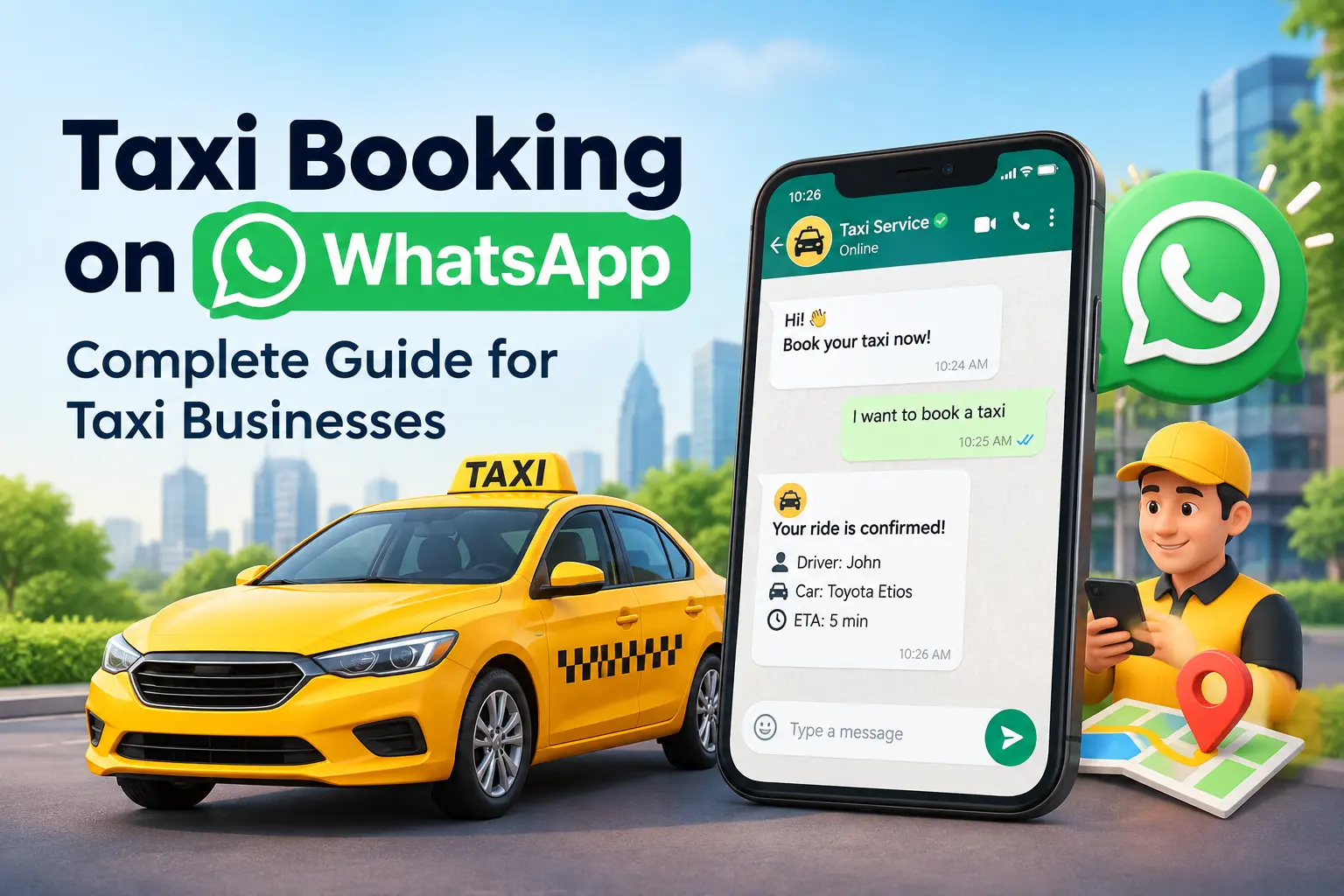
Have you ever considered trying taxi booking on WhatsApp? You might say WhatsApp is not an official platform for professional conversations. However, when technology is upgrading so fast, the least we can do is use this free conversational platform to our advantage.
If you agree with us, this write-up is for you! Traditional taxi operators will find it challenging to make effective use of WhatsApp for taxi booking purposes. However, the underlying truth is that either you use WhatsApp for taxi booking purposes or stay a laggard.
Because your competitors will give WhatsApp taxi booking a try. So, why not try it first and set the right example for others to follow?
In this write-up, we will discuss the WhatsApp booking system and how you can use the online taxi booking software to your advantage and take your transportation business to the next level.
Here we go…
A Brief Introduction to the WhatsApp Taxi Booking Software
Table of Contents
The customer conversations that take place on WhatsApp get converted into confirmed ride bookings without needing any human intervention.
The complete booking journey happens on WhatsApp with the help of AI and automation. Hence, the role of dispatchers is not required. This is the primary function of a WhatsApp taxi booking App.
The software takes into account the pickup and drop-off locations, replies to the queries raised by the customers, shares estimated fares, creates real-time bookings, assigns drivers automatically, sends the confirmation of the trip, and tracks the links.
This makes sure that customers get an enriching experience. Simply send a WhatsApp message and the booking gets confirmed swiftly.
There is less operational pressure on taxi operators. It also improves accuracy and booking speed.
The important thing is that the business functions round-the-clock, especially by providing support when the dispatch team is resting.
Things to Consider While Booking a Taxi Via WhatsApp
Here are some of the things that you need to take care of before you look to do taxi booking via WhatsApp.
1. Stable Internet Connection
Confirm whether you have a stable internet connection. Whether you wish to use WhatsApp on WiFi or a dependable mobile data connection, without a stable connection, you can face delays in receiving updates from the taxi service or sending messages on WhatsApp.
For a stable internet connection:
- Ensure you stay in strong WiFi zones
- Never use public WiFi, as it may slow down or put your device under potential threat
- Make sure you have selected a good internet plan
- Without a stable internet connection, you may not receive the updates about the taxi booking service. For more information on a stable internet connection, go to Google and search with the keywords.
2. Ensure WhatsApp is Already Installed on the Device
This is a very important step that will help you perform taxi booking on WhatsApp. If it is already installed, check for any updates that are pending.
Installing WhatsApp on Your Mobile – A Handy Guide
- Visit the App Store (for an Apple device) or the Play Store (for an Android device)
- Search with the keyword “WhatsApp”
- If not installed, click on the download button to install it.
- In case it is already installed, check for updates, if any.
4. Save the Customer Contact Details
The last thing that you will need is to save the contact information of the customer from which you are doing the WhatsApp taxi booking.
Most of the taxi booking services require you to use business WhatsApp for the booking process. Hence, the mobile number of the customer is very important.
Let us now look at the steps to save contact details on your smart device.
- Go to the Contacts app on your mobile device.
- Click on the “Add to Contact” button.
- Enter the name of the taxi operator and their mobile number.
- Save the contact details.
Once that is done, here’s how you start using the contact on WhatsApp:
- Open the WhatsApp app.
- Hit the “+” button
- On the top right-hand side, you will see the options button, i.e., three dots (⋮) and then tap it.
- Next, select the “Refresh” option.
- Once that is done, search for the name of the taxi operator and start sending messages on WhatsApp.
Tips on Using WhatsApp Taxi Booking Effectively for Taxi Businesses
Here are some of the tips that will help you use the taxi booking system effectively as a taxi business owner.
1. Always Send Messages From WhatsApp Business Account
Once you have applied the steps above to save the customer’s mobile number on WhatsApp, it is time to send them the message. But before you even think about that, it is imperative that you use a business WhatsApp number.
For this, you will be required to fill out the business profile, including your business name, hours of business, automated responses, etc. Make sure that the personal WhatsApp number is not used for the business conversation.
2. Set Automated Greetings for the Customer
Set automated greeting templates in the form of WhatsApp messages to the customers. This is where you can ask them to fill in general travel details.
3. Set automated responses for general enquiries
Every taxi business uses certain generic responses that can be handled by an AI. This is where you can use the AI smartly and let it take care of such repeated questions with one-word answers.
This helps you to be well-informed about the upcoming trips, confirmations required to be made, and resolving doubts of the customers, if any, before the start of the trip.
4. The Dispatch System Takes Care of the Booking
This is the stage where the role of automated responses and AI is taken over by the dispatchers. These dispatchers will go through the ride requests and then assign a driver on the basis of the drop-off location of the trip.
This is a very vital phase in the on-demand taxi booking process that requires meticulous planning. Hence, the dispatcher should never take it lightly.
5. Sharing of Driver Details
When the ride gets accepted by the driver, their details are sent to the customer so that they can prepare for the ride. The details include driver name, vehicle information, estimated time of arrival, live tracking, etc.
By providing these details, you increase the trust factor for the customer or the rider. Remember, by providing a quality ride experience, you can ensure that the customers or riders return to your taxi business for more trips.
V3Cube – A Reputed WhatsApp Taxi Booking App Provider Company
It is imperative that you choose a taxi booking app provider that helps directly impact the revenue cycle of your business in a positive way. So, select a company that can directly integrate the WhatsApp conversation with the customer and the dispatch software.
Also, check whether it can automatically send driver details and trip details, along with reporting and booking analytics. Remember, it is not simply an inbox but a WhatsApp booking system that still requires a manual dispatcher to manage the work efficiently.
FAQs
Q1. Explain WhatsApp taxi booking software in brief.
It is software that considers the conversation that takes place on WhatsApp by the customer, including the ride details. It then creates structured bookings out of it. Next, the software connects them with dispatch and sends confirmations and trip updates regularly.
Q2. In what ways does WhatsApp automation assist taxi businesses?
With the help of WhatsApp automation, the role of the dispatcher is reduced. It increases the booking response time, as AI works round the clock without any break, and you can expect precision in bookings.
Q3. Is it possible for a WhatsApp taxi booking software to integrate with the dispatch system?
Absolutely! Any confirmed WhatsApp booking gets reflected in the dispatch dashboard, where it becomes easier for the dispatcher to assign the drivers manually or automatically on the basis of the operational rules.
Q4. Can WhatsApp taxi booking software work round-the-clock?
Absolutely! You can make effective use of WhatsApp taxi booking software to accumulate and process ride requests round-the-clock. The trip conversation, however, depends upon booking cut-off times, availability, dispatch rules, and pricing.
Q5. Is it possible for WhatsApp to replace phone booking for a taxi business?
With the effective use of WhatsApp, to an extent, it is possible to reduce the dependency on phone bookings.